Whether for a city break, a business trip or a wellness retreat: we warmly welcome you to Hotel NordRaum in Bremen and are delighted that you are here!

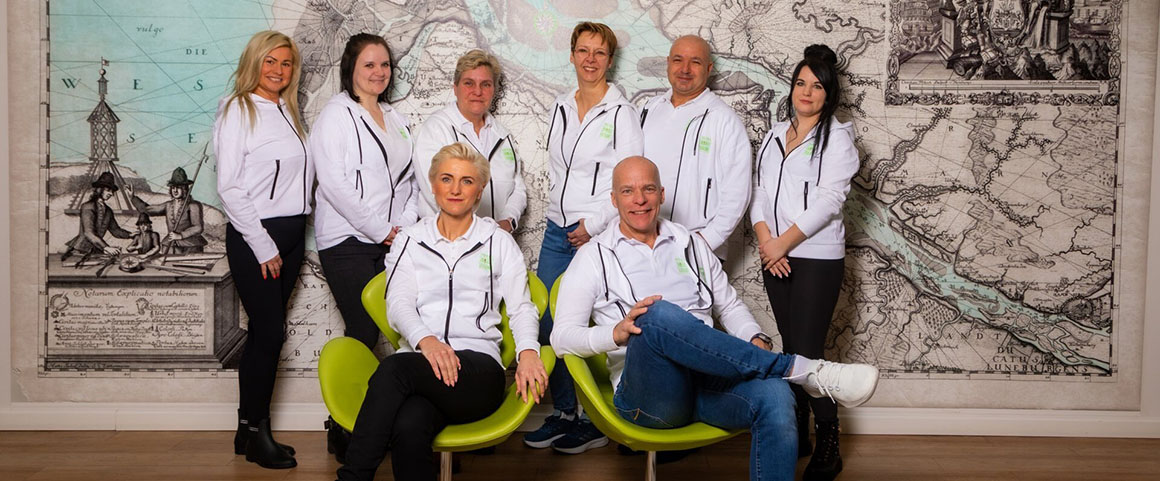
Our team ensures that you feel completely at ease every day – we are happy to provide tips about the Hanseatic city and are always available to help with any questions or requests you may have. Personalised service, individual attention and typical North German flair characterise our hotel, and you can simply enjoy it all.

Just a quarter of an hour’s drive away, Bremen is waiting for you to explore it. Let yourself be captivated by the maritime atmosphere of this city on the River Weser! We also highly recommend a trip to the Wadden Sea, a UNESCO World Natural Heritage Site, which is just over an hour’s drive away.

We have compiled everything you need to know about your stay at Hotel NordRaum in this digital guest folder. Furthermore, you will find numerous information and recommendations on Restaurants, Activities, Events, Shopping opportunities as well as to Mobility on site. This allows you to discover the region in comfort and plan your stay optimally, from arrival to leisure activities.

We hope you enjoy browsing and have a wonderful time!

Your NordRaum Team

On every page, you will find our logo in the top left corner and at the very bottom in the footer. Clicking on the logo will take you back to the overview page with all topics.

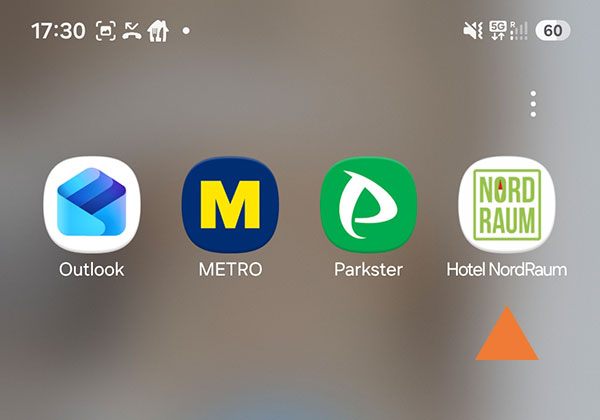
Simply save the guest directory as an icon in the apps on your smartphone. This means you don't have to scan the QR code multiple times and always have the guest directory with you. You can set this up in just a few seconds as described below.

IOS /Apple

Scan the QR code and open the guest folder. Tap on the icon of the options list Icon option list IOS and scroll down in the options list and then tap on „Add to home screen“. The guest folder icon is now displayed in the apps.

Android (e.g. Samsung)

Scan the QR code and open the guest folder. Tap the three-point menu icon-android-three-point-menu to the right of the address bar and then tap „Add to home screen“. Now tap on Add or, depending on your smartphone, on Install. The guest folder icon is now displayed in the apps.